
Capcut
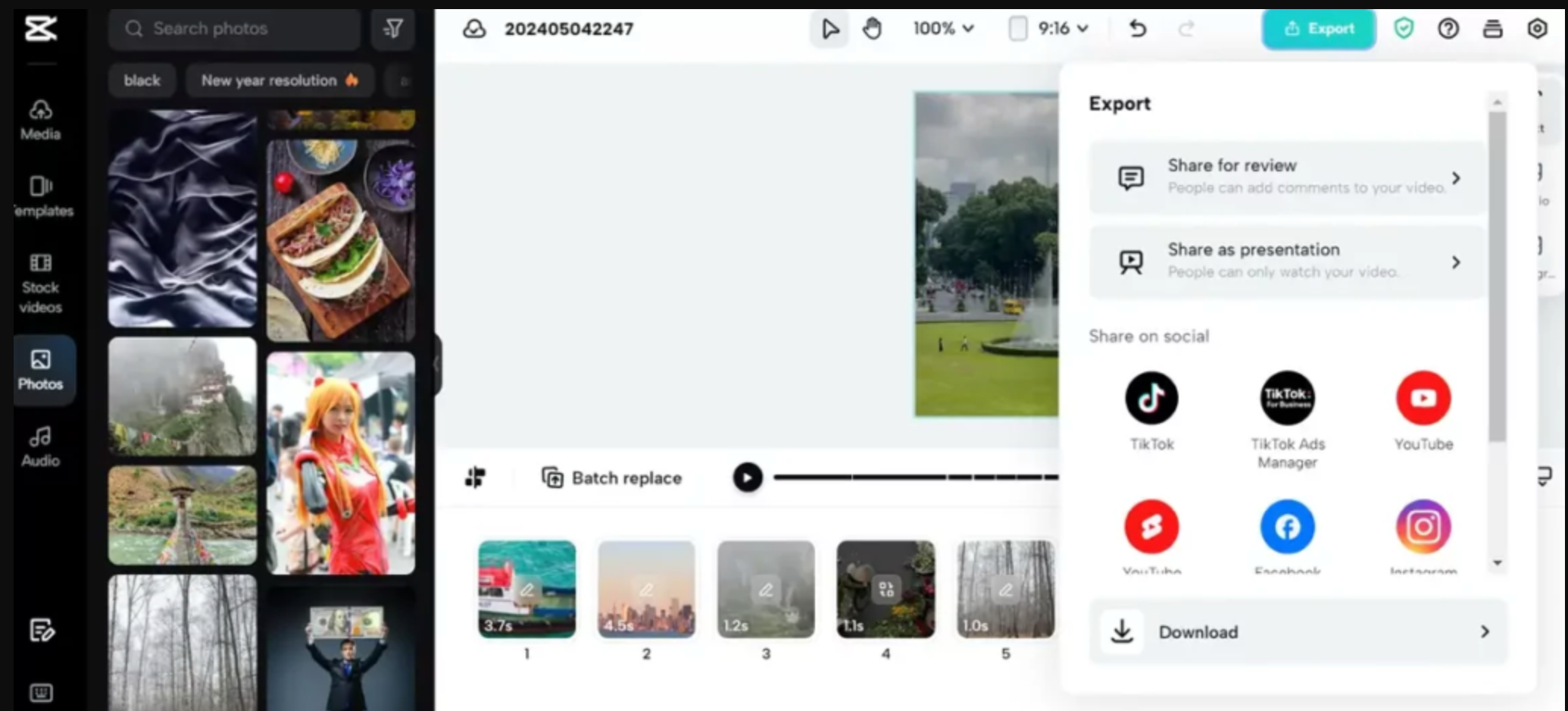
CapCut is an all-in-one, AI-powered video editing platform from ByteDance, launched in 2019 (China) and globally in 2020, available on mobile, desktop, and web. With over 1 billion downloads by early 2025, it empowers creators to edit, trim, apply multi-layer effects, and add captions using intuitive tools and templates. Offering both free and Pro tiers, CapCut supports 24 languages across iOS, Android, Windows, macOS, and browsers. Integrated with AI features like auto-captioning, ad script generation, and cloud-based collaboration, it caters to creators and businesses alike.
On this page
capcut.support@bytedance.com
Address
ByteDance Pte. Ltd., 1 Raffles Quay, #26‑10, South Tower, Singapore 048583
Founded
2019
Founder
Zhang Yiming, Liang Rubo
About Capcut
Everything to know about Capcut: From founders, to reviews, and subscription cost.
CapCut stands out through its accessible yet powerful AI-enhanced video editing tools, merging simplicity with professional-grade capabilities. Its extensive template library—including short-form formats, social media motiffs, and business-ready presets—speeds up production while maintaining visual appeal. AI-driven features like auto-caption generation, smart filters, and voice-to-text reduce manual effort and boost accessibility. In addition to multi‑platform support (mobile, web, desktop), CapCut Pro adds cloud storage and collaborative workflows tailored for teams. Seamless export options for TikTok, Instagram, YouTube, and others enable streamlined content sharing. The tight integration with ByteDance’s TikTok ecosystem opens a wide distribution funnel for creators. With over a billion downloads and 200 million monthly active users, CapCut blends broad reach with robust, scalable editing for individuals and enterprises alike.
Conversational Voice AI, trained to speak your business.
Get Started
Darth Vader - Orginal
Original


Darth Vader - Clone
Clone


Neil Tyson - Original
Original

Neil Tyson - Clone
Clone

Oprah Winfrey - Orginal
Original

Oprah Winfrey - Clone
Clone
All Capcut Products
Capcut's Product Categories
AI Clips Maker
AI Video Generator
AI Subtitles
AI Video Editing
Pricing
Here's a simple look at how much Capcut cost. It has free options so you can try them out!
| free | Pro | |
|---|---|---|
| Monthly Pricing | $0/month | $19.99/month |
| Yearly Pricing | $0/year | $179.99/year |
Prices are estimates and can change, so always check their official websites for the latest info!
Features
Discover the key features that make Capcut stand out.
| Feature | What it unlocks |
|---|---|
| AI-powered auto captions & subtitles | Automatically transcribes audio to generate precise captions, saving manual effort and enhancing content accessibility. |
| Template library for social/business videos | Offers editable templates for TikTok, Instagram, ads, and corporate use, ideal for polished, repeatable production. |
| Multi‑layer editing & effects | Enables trimming, overlay, filters, transitions, and animations—on mobile and desktop—for creative flexibility |
| Cloud Pro collaboration & storage | Pro users get cloud-based projects and team collaboration features essential for business workflows and scaling. |
Use Cases
See the top Capcut use cases and interesting ways you can use Capcut
| Social media content creation | Influencers use CapCut to easily produce and repurpose videos across TikTok, Instagram Reels, and YouTube Shorts. |
| Corporate training videos | Businesses create polished internal training or onboarding videos using templates and branding features. |
| Marketing and ad production | AI tools like ad script generation and business templates accelerate promotional video creation. |
| Educational content | Educators use auto captions and visual effects to make learning videos clear and engaging for students. |
| Personal vlogging and storytelling | Users craft montage videos—combining filters, music, and captions for travel, fitness, and hobby vlog posts. |
| Team collaboration | With cloud Pro, remote teams can edit jointly, share assets, and streamline feedback within a single workspace. |
Capcut Pros and Cons
Here's a balanced view of Capcut's strengths and weaknesses.
| Capcut Pros | Capcut Cons |
|---|---|
| Intuitive interface across mobile, web, and desktop lowers the barrier for all skill levels. | Class-action lawsuits allege excessive data collection, including biometric/geolocation data without full user consent |
| Auto‑captions, script generation, and smart filters speed up workflows and improve quality. | The app faced a temporary U.S. ban in January 2025 as part of broader national security scrutiny of ByteDance. |
| Provides diverse, editable templates tailored to social media and business audiences. | Being under ByteDance’s umbrella, CapCut lacks independent leadership, which may limit independent feature direction. |
| Offers advanced editing options at no cost; Pro adds cloud & collaboration but isn’t required for high-quality work. | Cloud storage and collaboration features are subscription‑based, but pricing details can be unclear in some regions. |
| Broad adoption and seamless social export empower creators to reach large audiences easily. | As a ByteDance product, official support is channeled through corporate channels, which can feel less personal or direct. |
Reviews
See the top positive and negative reviews for Capcut
My money was wastedMy money was wasted, I bought a monthly subscription of $15 initially to use the pro features but then blind sided with an upgrade to a $29 plan! I suddenly cannot use the pro features unless I buy “the $29 subscription Danielle Laurente 2 |
Where are search funvtions.Everything is good. But missing one of the most important feature - Search functions for transitions, fonts. That's overwhelming. So many updates are comming. but most important features are missing. WizWikz 3 |
Pretty useful, wish more was available for freeOverall I find it an extremely useful and easy to use system that helps create quality, trendy videos for social media very quickly. I don't particularly love monthly based payment models for software's, but I do feel like you get a lot of tools and resources for a generally low price here. Using it feels like for videos what Canva is for infographics: easy to use, tons of built in resources, and produces good content quickly. Brennan Crawley 4 |
Top Capcut alternatives
See the top alternatives to Capcut and see how they compare.

4.5 G2, Capterra
Speechify
A leading technology company that offers AI-based reading assistance.

4.5 G2, Capterra
Eleven Labs
ElevenLabs is an AI voice generation platform that transforms text into lifelike speech in over 70 languages. With powerful features like voice cloning, multilingual dubbing, and real-time audio generation, it's ideal for creators, developers, and enterprises looking to scale high-quality voice content. Whether you're building audiobooks, videos, games, or virtual assistants, ElevenLabs delivers human-like voices with emotion, clarity, and customization.

4.5 G2, Capterra
Wavel AI
Wavel AI is a powerful AI-driven platform that enables creators and businesses to produce multilingual, voice-enriched content at scale. With top-priority features like AI dubbing, voice cloning, and automated subtitles, Wavel makes it easy to localize videos and engage global audiences. From lifelike text-to-speech to faceless video generation and AI ad creation, the platform offers a full suite of tools tailored for content creators, marketers, educators, and developers seeking fast, high-quality audio-video production.

4.4 Trustpilot
Cartesia AI
Cartesia AI is a platform focused on generating natural speech and powering voice applications, particularly for voice cloning and text-to-speech in real time

4.7 G2, Capterra
Murf AI
Murf AI is a voice-over platform that turns text into lifelike speech, helping users create studio-quality voiceovers in minutes

4.4 G2, Capterra
Lovo AI
LOVO AI is a leading AI voice platform that offers realistic text-to-speech and voiceover solutions for diverse users.

4.5 G2, Capterra
Play AI
Play.ht is a AI voice generation platform offering voicing solutions for creators and businesses worldwide.

5 G2, Capterra
Natural Reader
A leading AI voice technology company offering text-to-speech solutions for individuals and businesses.


