









 btndefault
  Podcast
  Learning Module
  Read Article





 4.5
4.5




Educators & Trainers
With removing video background, AI strips away unnecessary visuals and keeps only the presenter and essential elements.
Try Now
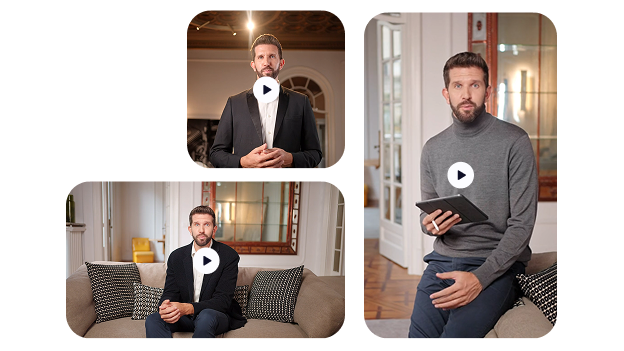
Create ad creative videos using AI and eliminate any backgrounds completely. Keep only the avatar and essential visuals on screen so your message stays clear, distraction free, and easy to understand across instructional, product, and internal videos.

Seamless AI voice dubbing in multiple languages to create perfect voice dubs that sound just like you, in any language.
Auto-generate accurate, time-synced AI subtitles in any language, fast and hassle-free.
Instantly convert written text to high-quality voice with text to speech, real human voices made with AI.
Clone voices with stunning accuracy to create personalized audio at scale. No voice actors needed.
Turn one video into multiple scroll-stopping clips using the AI Clip Generator.
Turn your script into ready-to-share videos with visuals, voice, and subtitles with AI video generator.
Transform any voice with Wavel’s AI voice changer realistic, expressive, and customizable in any style or accent.
English
Spanish
French
Hindi
Japanese
German
Russian
0/500
Original

Clone

Original
Clone
Original
Clone

Original Voice

Character Voice

Female Voice

Deep Voice
Build a Celebrated AI Voice Brand – Trusted by Industry Leaders!


This is designed for moments when clarity matters more than context. With AI, the system automatically detects the avatar and removes the background entirely. What stays on screen is only the presenter and essential visual elements, helping viewers focus on the message without visual noise. When you remove video background using AI, you are not replacing it with a new environment. Instead, you create a clean, minimal visual that feels intentional and easy to follow. This approach works especially well for instructional videos, product explanations, and internal communication where simplicity improves understanding.
AI eliminates the entire background so only the presenter and essential visuals remain. This creates a clear, distraction free video that keeps attention on the message.

Built for creators, teams, and global brands ready to scale.
Jump between video, voice, and script tools without missing a beat.
Cut production time, keep every ounce of creative control.
The system automatically detects and separates the presenter from the background. This ensures clean edges and consistent results without manual editing or complex setup.

AI allows you to remove background without replacement, making videos simpler and easier to follow. This approach is ideal when clarity and focus matter more than visual context.
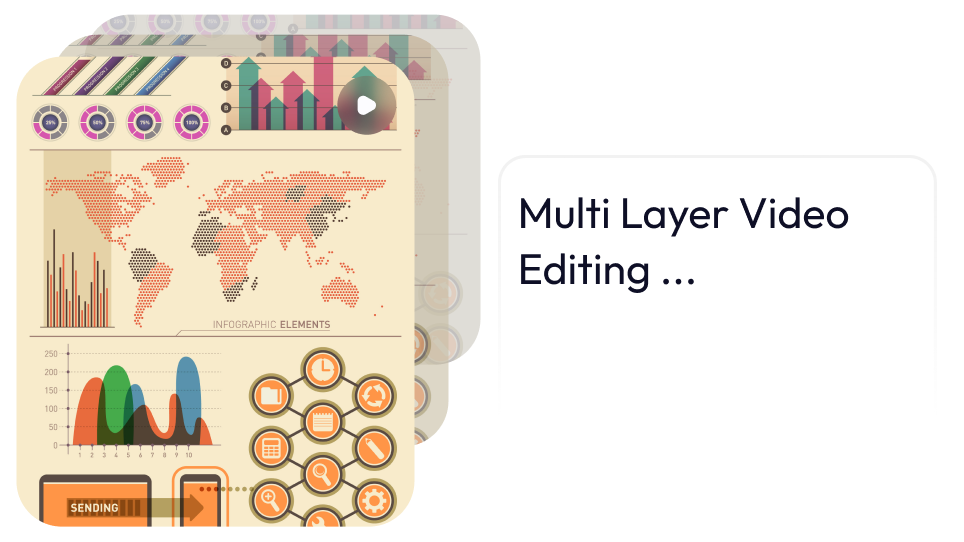
AI helps you produce professional background removal results across multiple videos. You can maintain visual consistency while creating clean, focused content faster and with less effort.
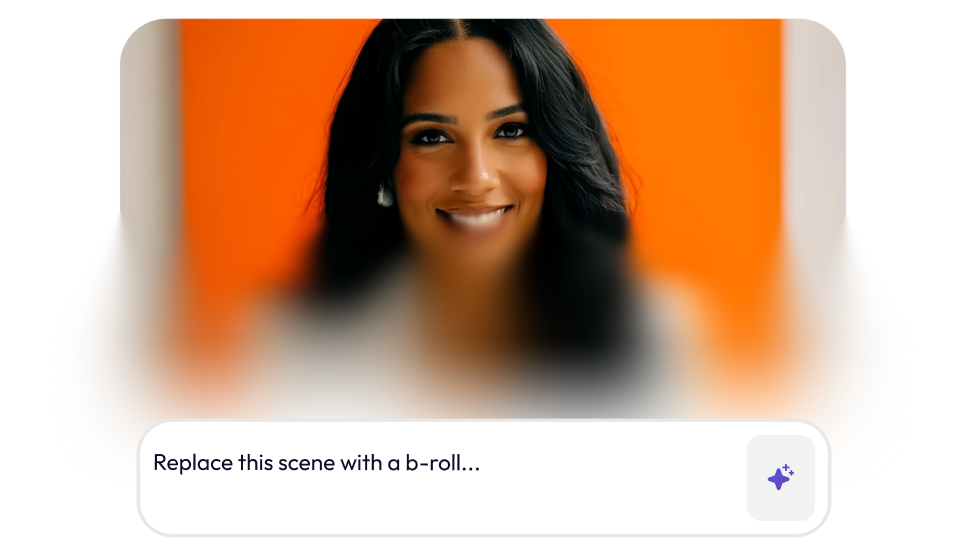
You start by uploading your video, where our AI instantly analyzes the scene. This helps you remove background from video without manual masking or complex editing.
AI automatically identifies the presenter and separates them from the background using AI background removal. This ensures clean edges and a clean background video that keeps attention on the speaker.
You can choose to remove background without replacement, leaving only essential visual elements on screen. This creates a distraction free video background that improves clarity and understanding.
Once processed, you export a polished video with professional background removal applied. The result is a clear, easy to follow video ideal for training, product explanations, or internal communication.
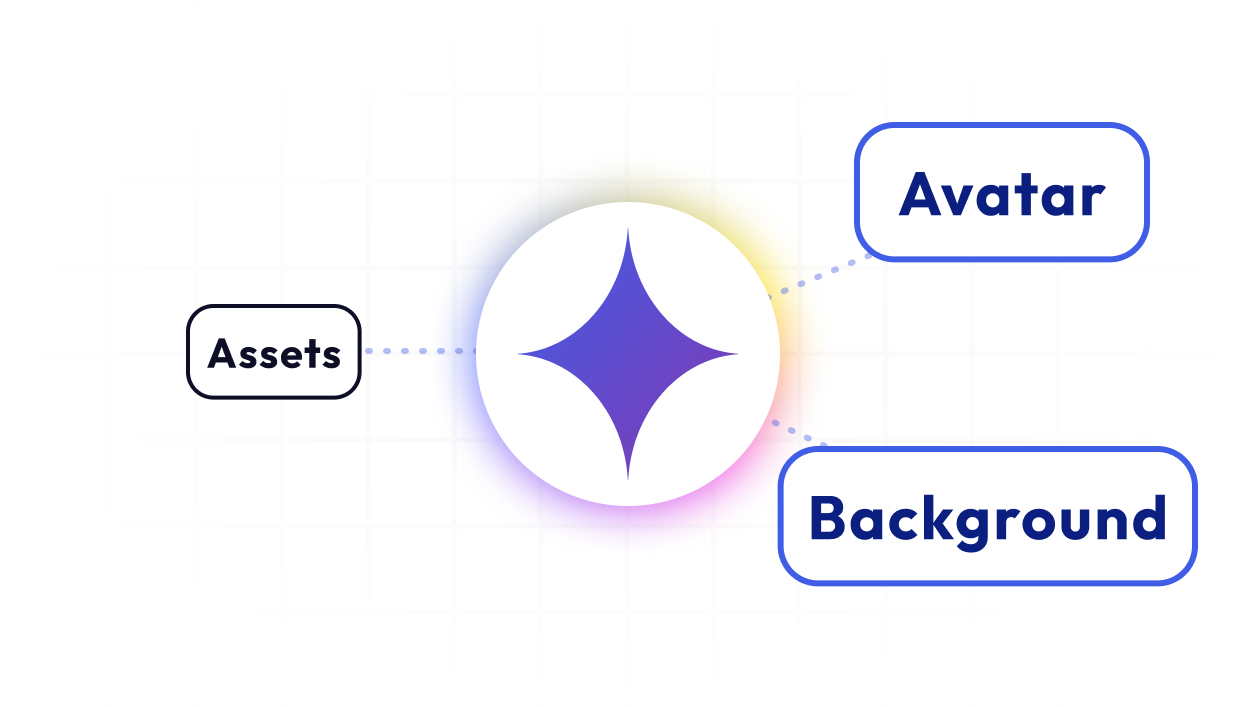
With removing video background, AI strips away unnecessary visuals and keeps only the presenter and essential elements.
Try Now

Teams can create clean background video content that highlights the product and the avatar.
Try Now
AI delivers distraction free video background outputs that keep attention on the speaker. This ensures internal communication videos stay clear, professional, and easy to understand across teams.
Try Now



For Sales Teams
Create pitch-perfect video demos, walkthroughs, and personalized outreach — all from one place. Sell smarter, not harder.

For E-Learning Platforms
Create immersive, multilingual learning experiences at scale. From voiceovers to subtitles — all in one tool.

For Marketers
Run campaigns faster with AI-powered video ads, social clips, and repurposed content — no jumping between tools.

For HR Teams
Onboard, train, and engage employees with AI-powered video content — no editing expertise required.

For Educators
Record, dub, subtitle, and share lessons in minutes. Teach more effectively with zero tech hassle.

Short Clips
Create bite-sized video snippets in a click
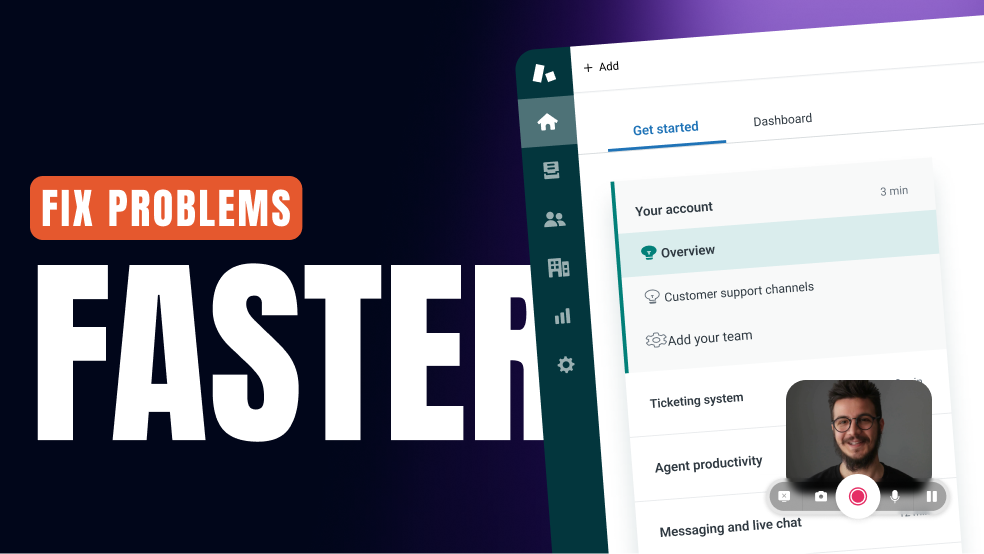
For Customer Support
Turn FAQs into explainer videos, localize them with voiceovers and subtitles, and reduce ticket load effortlessly.
Listen to what real users love about Wavel AI straight from the Wavel Community.

Senior Social Media Manager
Wave AI is truly a remarkable company that has revolutionized the way we perceive voices and language solutions. Their comprehensive approach, which encompasses a wide array of language solutions under one roof, is nothing short of impressive. With a strong focus on the positive aspects of our voices, Wave AI has brought a refreshing perspective to the industry. Their commitment to innovation and excellence is evident in every aspect of their work. It's a pleasure to partner with a company that embodies such a forward-thinking and customer-centric approach.


Marketing
As a content creator, I've always sought innovative tools to enhance the quality and impact of my work, and Wavel AI has quickly become my go-to choice for voiceovers. With a library spanning over 250 voices and supporting more than 40 languages, I've been able to cater to a global audience effortlessly. Tutorial videos and chat bot also really prompt to help.


Manager
The option to Collab is amazing because as a content creator, collaborations are quite frequent. Different team members are able to view and edit files, work on the same content concurrently, and share inputs, allowing for true real-time collaboration. You don't have to individually notify anyone. They will get to know your activity which cuts down extra time.

Growth Marketer
I was happy with its realistic AI voiceovers, their support during problems and multilingual support as well which makes it an ideal tool for content creators like us who need a high quality voice generation for work or use and its ease of use, implement and integration was a cherry on top.


Graphic Designer
The voice cloning ability is one of its outstanding ones in Wavel.ai. It can mimic the voice of a person with such precision that it can accurately reflect the tonal variations as well as the impassioned modulation of a person. The speed and the performance of the tool in processing audios are also good; very time-saving for the content producers.

Video Editor
As a video editor i need many audios for my video and also i have to perform some editing with dubbing or subtitle related part and here WavelAi solve my approx all problem in just a minutes.

IT Company Marketer
Wave AI is truly amazing! One of its most impressive features is the Voice Cloning function. This function allows you to create long-hour video content with authentic voices that do not require human interpretation. You can even include the voice of your favorite singer powered by AI.


Co-founder
Really cool tool. I run an international company and I have thought about new use cases in order to generate content for my audiences. It works really well and looking forward to the evolution of this technology.

AI enthusiast and Product Manager
You can fine-tune the audio output to meet your specific needs, whether you want to adjust the voice speed, tone, or volume. This level of control is especially useful if you're creating audio content for a particular audience. When it comes to audio output quality, Wavel AI is outstanding.
