



Edit Video With Relight Using AI: Fix Lighting After You Hit Record

Bad lighting shouldn’t ruin a great video. With AI-powered relighting, you can edit video with relight after recording, adjust light direction, color, and intensity in seconds, no studio or reshoot required. Create brighter faces, cinematic moods, and professional visuals directly from your browser or app.

Wavel how it works

Build a Celebrated AI Voice Brand – Trusted by Industry Leaders!

Transcription
Transcription 4.5
5
by G2 Users
Transcription
Transcription 4.9
5
on Product Hunt
Transcription
Transcription 4.8
5
on Slashdot

The platform is easy to use and helps me with the translation of articles and video subtitles for social media. We use it daily to assist us in dubbing videos for our clients without needing to record a new video every time we serve a client from a different country.

What Does It Mean to Edit Video With Relight

Get Started

Editing video with relight means using AI to add, remove, or modify virtual light sources in an existing video. Instead of relying on physical lights during filming, AI relighting tools analyze depth, subjects, and backgrounds to recreate realistic lighting in post-production. This is especially valuable if you are already using AI-powered workflows like adding AI auto subtitles, generating voiceovers, or repurposing clips, because lighting becomes one less thing to worry about while filming. Modern relight AI tools let you fix underexposed or flat footage, highlight faces without blowing out backgrounds, create studio-style lighting from casual recordings, and experiment creatively without re-shooting content. Some creators even pair relighting with advanced video generation workflows using tools like Wan 2.5, Sora 2, or Veo 3.1 where AI-generated or enhanced footage benefits massively from post-production lighting control.

Key Features of Relight AI for Video Editing

AI-Powered Virtual Light Sources

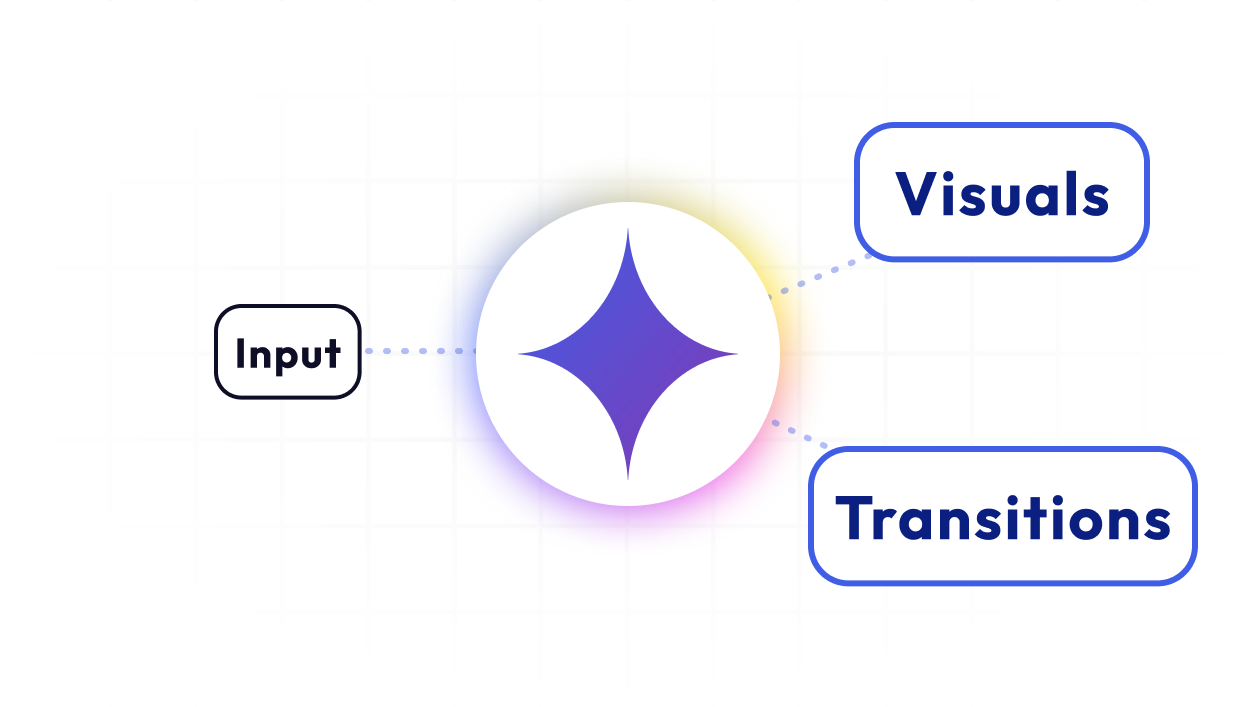
Relight AI allows you to add digital lights point lights or directional lights directly onto your video. The AI understands depth and subject placement, so lighting changes feel natural instead of artificial.

Voices

Your All-in-One AI Studio for Video & Audio Creation

Built for creators, teams, and global brands ready to scale.

Jump between video, voice, and script tools without missing a beat.

Cut production time, keep every ounce of creative control.

Preset & Custom Lighting Styles

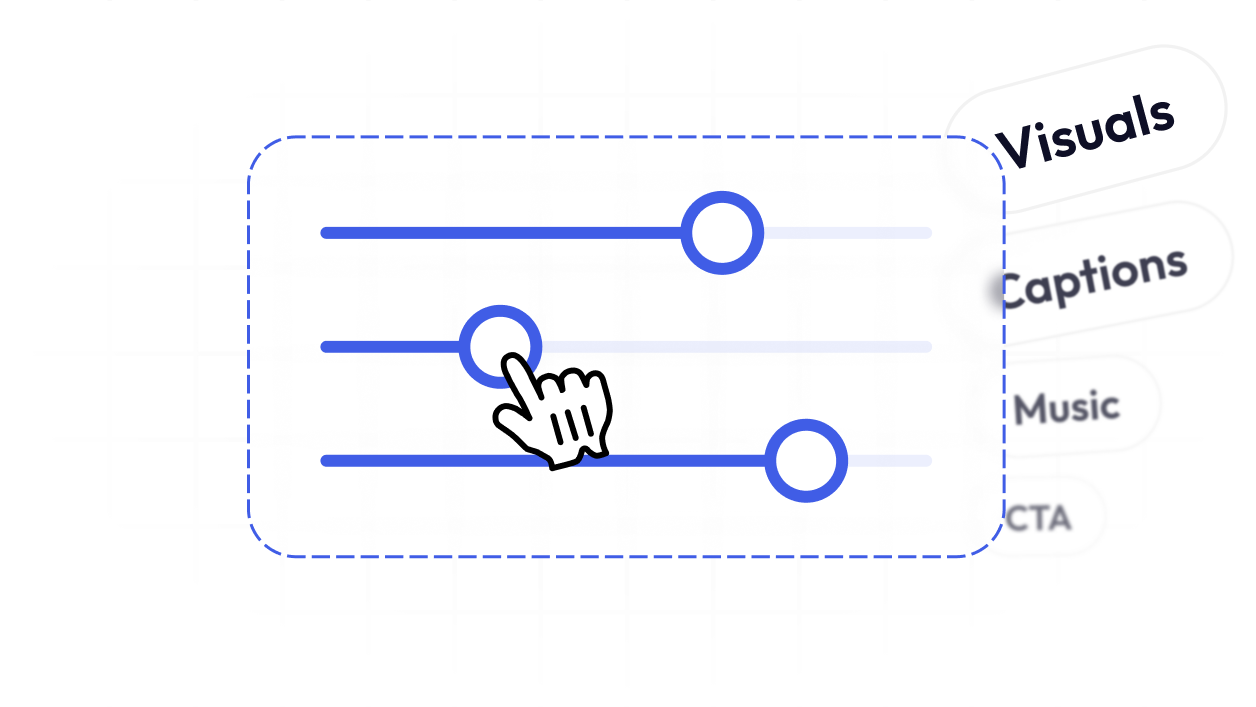
Choose from facial, ambient, or creative lighting presets, or fine-tune everything manually. You can control light color, intensity, direction, and radius to match your desired mood.

Voices

Subject & Background Separation

Advanced relight tools let you decide whether lighting affects only the subject, only the background, or both. This makes it easy to brighten faces without washing out the scene.

Voices

Multiple Light Sources Support

You are not limited to one light. Add multiple virtual lights to simulate complex studio setups key light, fill light, and rim light using only AI.

Voices

How to Edit Video With Relight Using AI

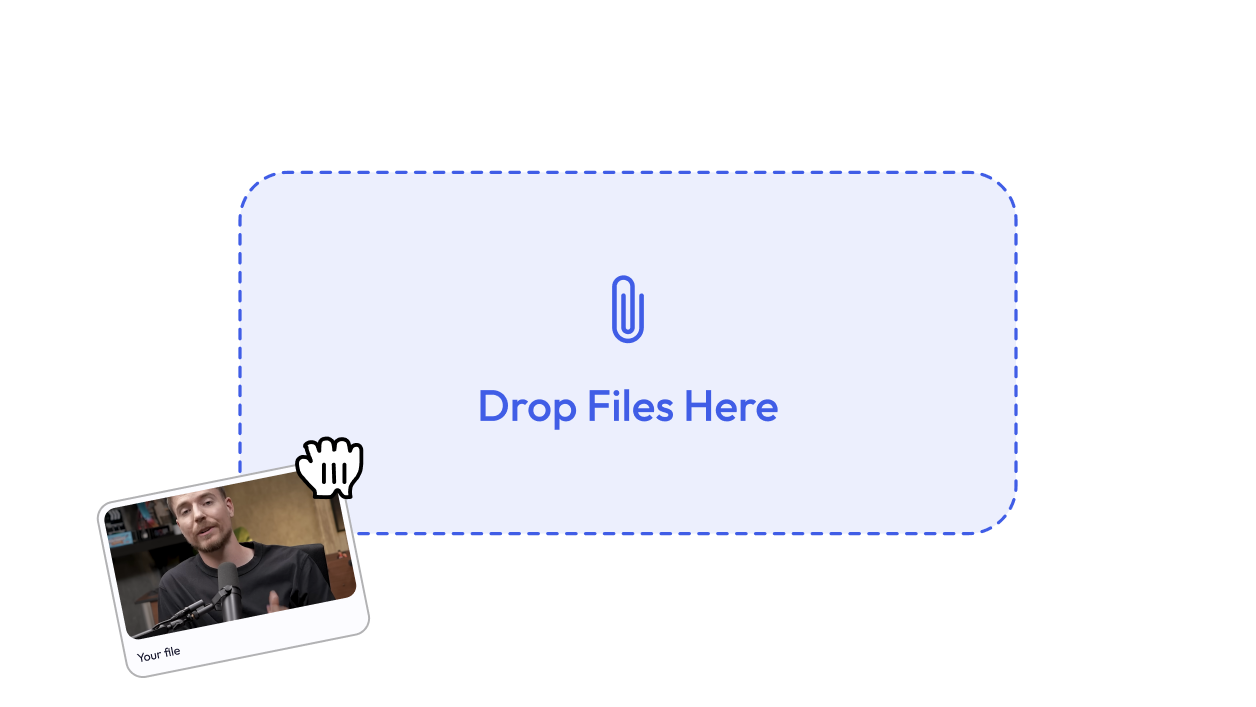
Import Your Video

Upload your footage into an AI relighting tool such as Wavel AI.

Find the Relight Feature

Open the effects or editing panel and locate the AI Relight option.

Choose a Lighting Style or Light Type

Select a preset or add a point or directional light manually.

Preview and Export

Review your video in real time and export in high resolution or continue editing with dubbing, captions, or AI voices.

wavel

Curated for every use case

Social Media Creators

Creators filming on phones often struggle with inconsistent lighting. AI relighting fixes shadows, highlights faces, and makes short-form content look studio-quality especially when paired with AI Shorts or a YouTube Shorts Maker.

Voices
Voices

Marketers & Growth Teams

Product demos and ads need clarity and polish. Relight AI helps refine visuals before layering in Dubbing AI, AI Voice cloning, or localized messaging without expensive reshoots.

Educators & Course Creators

Recorded lessons don’t always have perfect lighting. Relight AI improves visibility and engagement, especially when combined with AI Transcriptions and a Caption generator from video for accessibility.

Voices

Frequently Asked Questions

Can I edit video with relight online? wavel
Yes, many AI relighting tools work directly in the browser, letting you edit video with relight online without installing heavy software.
Is there a way to edit video with relight for free? wavel
Some tools offer free tiers or trials with basic relighting features. Advanced controls usually require a paid plan.
Can I edit video with relight on mobile? wavel
Yes, several platforms offer an edit video with relight app for mobile users, ideal for quick social content fixes.
Is there an edit video with relight APK available? wavel
Some Android-based tools provide APK versions, but always download from official sources to avoid security risks.
How does Clipdrop Relight compare to video relighting tools? wavel
Clipdrop Relight is primarily image-focused. Video relighting tools extend similar AI concepts to motion content with temporal consistency.
Does AI relighting reduce video quality? wavel
No, most tools preview in real time and export in HD or higher resolutions without quality loss.
Can I relight only the face in a video? wavel
Yes, many AI relighting tools allow you to target the subject separately from the background.
Can I combine relighting with AI video generation? wavel
Absolutely, videos created or enhanced using Wan 2.5, Sora 2, or Veo 3.1 can be further refined using AI relighting for a polished final look.
Is relighting useful for professional videos? wavel
Yes, it is widely used to fix lighting issues in marketing videos, interviews, and educational content.
Can I animate lighting changes? wavel
Yes, some tools support keyframes, letting lighting shift dynamically throughout a clip.

Need Extra Reasons to Love Wavel AI?

wavel wavel
wavel

For Sales Teams

Create pitch-perfect video demos, walkthroughs, and personalized outreach — all from one place. Sell smarter, not harder.

wavel

For E-Learning Platforms

Create immersive, multilingual learning experiences at scale. From voiceovers to subtitles — all in one tool.

wavel

For Marketers

Run campaigns faster with AI-powered video ads, social clips, and repurposed content — no jumping between tools.

wavel

For HR Teams

Onboard, train, and engage employees with AI-powered video content — no editing expertise required.

wavel

For Educators

Record, dub, subtitle, and share lessons in minutes. Teach more effectively with zero tech hassle.

wavel

Short Clips

Create bite-sized video snippets in a click

wavel

For Customer Support

Turn FAQs into explainer videos, localize them with voiceovers and subtitles, and reduce ticket load effortlessly.

Hear From Our Community

Listen to what real users love about Wavel AI straight from the Wavel Community.

Anna P.

Anna P.

Senior Social Media Manager

Wave AI is truly a remarkable company that has revolutionized the way we perceive voices and language solutions. Their comprehensive approach, which encompasses a wide array of language solutions under one roof, is nothing short of impressive. With a strong focus on the positive aspects of our voices, Wave AI has brought a refreshing perspective to the industry. Their commitment to innovation and excellence is evident in every aspect of their work. It's a pleasure to partner with a company that embodies such a forward-thinking and customer-centric approach.

Slashdot Rating
Rated 5/5
View review
Stephen H.

Stephen H.

Marketing

As a content creator, I've always sought innovative tools to enhance the quality and impact of my work, and Wavel AI has quickly become my go-to choice for voiceovers. With a library spanning over 250 voices and supporting more than 40 languages, I've been able to cater to a global audience effortlessly. Tutorial videos and chat bot also really prompt to help.

Slashdot Rating
Rated 4/5
View review
Salim L.

Salim L.

Manager

The option to Collab is amazing because as a content creator, collaborations are quite frequent. Different team members are able to view and edit files, work on the same content concurrently, and share inputs, allowing for true real-time collaboration. You don't have to individually notify anyone. They will get to know your activity which cuts down extra time.

Slashdot Rating
Rated 5/5
View review
Chiranjeevi n.

Chiranjeevi n.

Growth Marketer

I was happy with its realistic AI voiceovers, their support during problems and multilingual support as well which makes it an ideal tool for content creators like us who need a high quality voice generation for work or use and its ease of use, implement and integration was a cherry on top.

G2 Rating
Rated 4.5/5
View review
Peter M.

Peter M.

Graphic Designer

The voice cloning ability is one of its outstanding ones in Wavel.ai. It can mimic the voice of a person with such precision that it can accurately reflect the tonal variations as well as the impassioned modulation of a person. The speed and the performance of the tool in processing audios are also good; very time-saving for the content producers.

G2 Rating
Rated 5/5
View review
Keegan D.

Keegan D.

Video Editor

As a video editor i need many audios for my video and also i have to perform some editing with dubbing or subtitle related part and here WavelAi solve my approx all problem in just a minutes.

G2 Rating
Rated 5/5
View review
Matt Han

Matt Han

IT Company Marketer

Wave AI is truly amazing! One of its most impressive features is the Voice Cloning function. This function allows you to create long-hour video content with authentic voices that do not require human interpretation. You can even include the voice of your favorite singer powered by AI.

Product Hunt Rating
Rated 5/5
View review
Roberto Gómez

Roberto Gómez

Co-founder

Really cool tool. I run an international company and I have thought about new use cases in order to generate content for my audiences. It works really well and looking forward to the evolution of this technology.

Product Hunt Rating
Rated 5/5
View review
Alex Fall

Alex Fall

AI enthusiast and Product Manager

You can fine-tune the audio output to meet your specific needs, whether you want to adjust the voice speed, tone, or volume. This level of control is especially useful if you're creating audio content for a particular audience. When it comes to audio output quality, Wavel AI is outstanding.

Product Hunt Rating
Rated 5/5
View review