





 4.5
4.5




Digital Artists & Illustrators
Showcase your artwork in motion. Instead of static portfolios, create short clips or speedpaint reels to share your creative process.
Try Now
Bring your imagination to life, literally. With AI-powered drawing-to-video tools, you can transform sketches, doodles, or full-blown artworks into smooth, animated visuals in just a few clicks. No animation skills required, no software chaos, just pure creativity turned motion.

Build a Celebrated AI Voice Brand – Trusted by Industry Leaders!


Drawing to Video lets you convert a static image or illustration into a dynamic visual story. Whether you’re an artist, teacher, or content creator, this process helps you show, not just tell, what your ideas are all about. Instead of leaving your art sitting still, these tools let you animate scenes, characters, and movements automatically using AI, add smooth camera pans and motion effects, create speedpaint or time-lapse videos for tutorials and turn your sketches into short clips for YouTube, TikTok, or presentations. In short, you bring the art. AI brings it to life.
Upload a single image and let AI create dynamic movements camera zooms, motion, and scene transitions. Perfect for bringing characters or environments to life.

Built for creators, teams, and global brands ready to scale.
Jump between video, voice, and script tools without missing a beat.
Cut production time, keep every ounce of creative control.
Prefer hands-on control? Use frame-by-frame tools like Adobe Animate or OpenToonz to manually craft movements while maintaining your unique style.
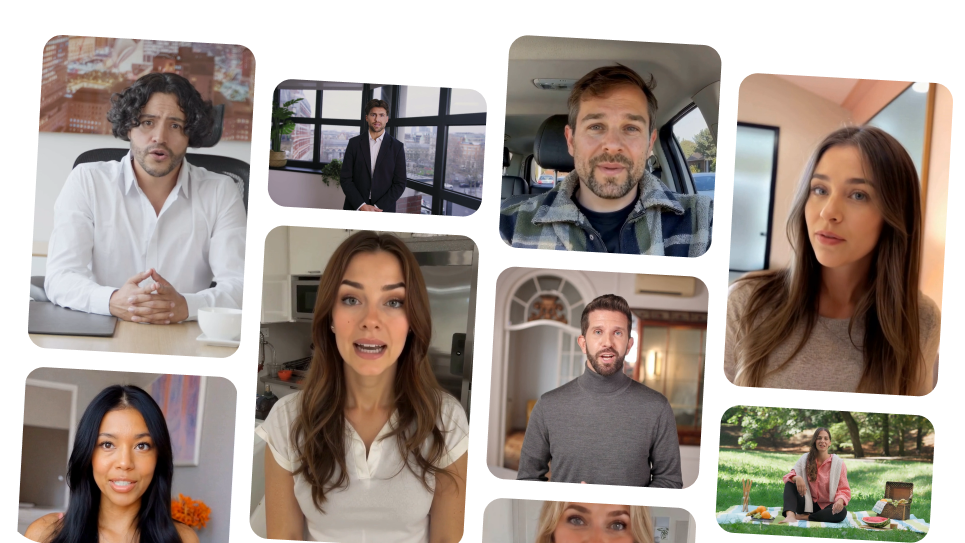
Record your drawing process and automatically turn it into a fast-paced, captivating video. Great for tutorials or showing off your technique on social media.
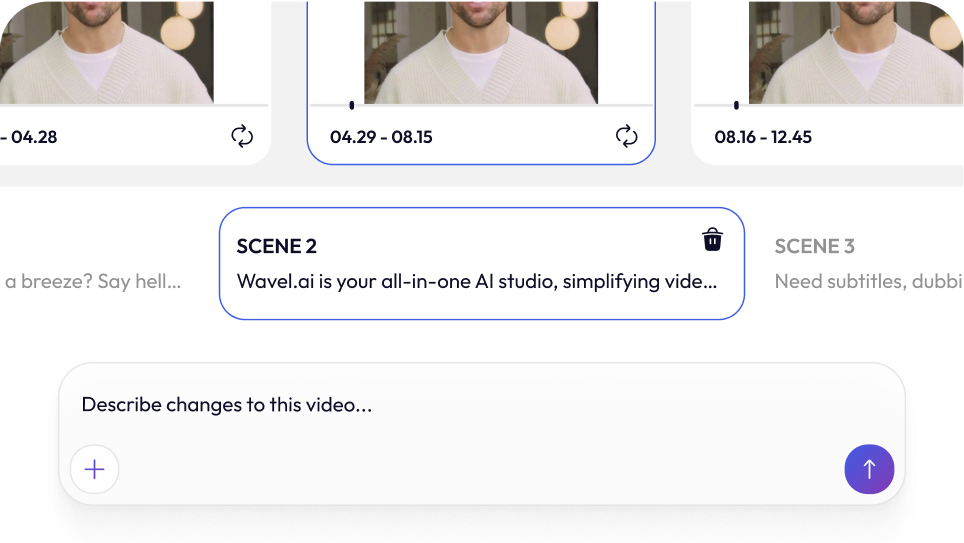
Add text, music, captions, or voiceovers to polish your video. AI tools can even generate voiceovers or subtitles automatically, saving time and effort.
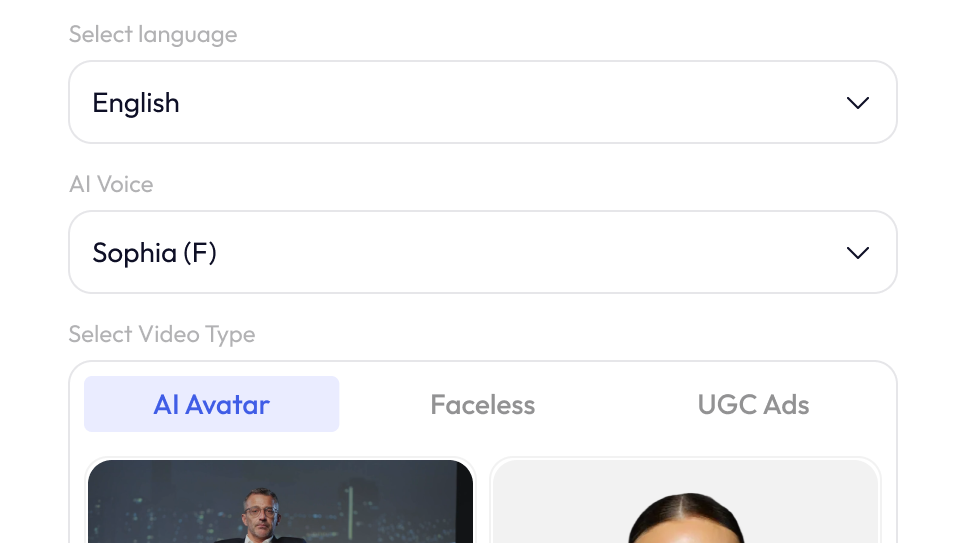
Draw traditionally and scan it, or create digitally in Photoshop, Krita, or Procreate.
Choose between AI-powered animation, frame-by-frame editing, or speedpaint-style recording.
Import your image into your chosen tool. Add prompts or keyframes depending on the method.
Download your final video in your preferred format and share it with the world on YouTube, Instagram, or your next presentation deck.

Showcase your artwork in motion. Instead of static portfolios, create short clips or speedpaint reels to share your creative process.
Try Now
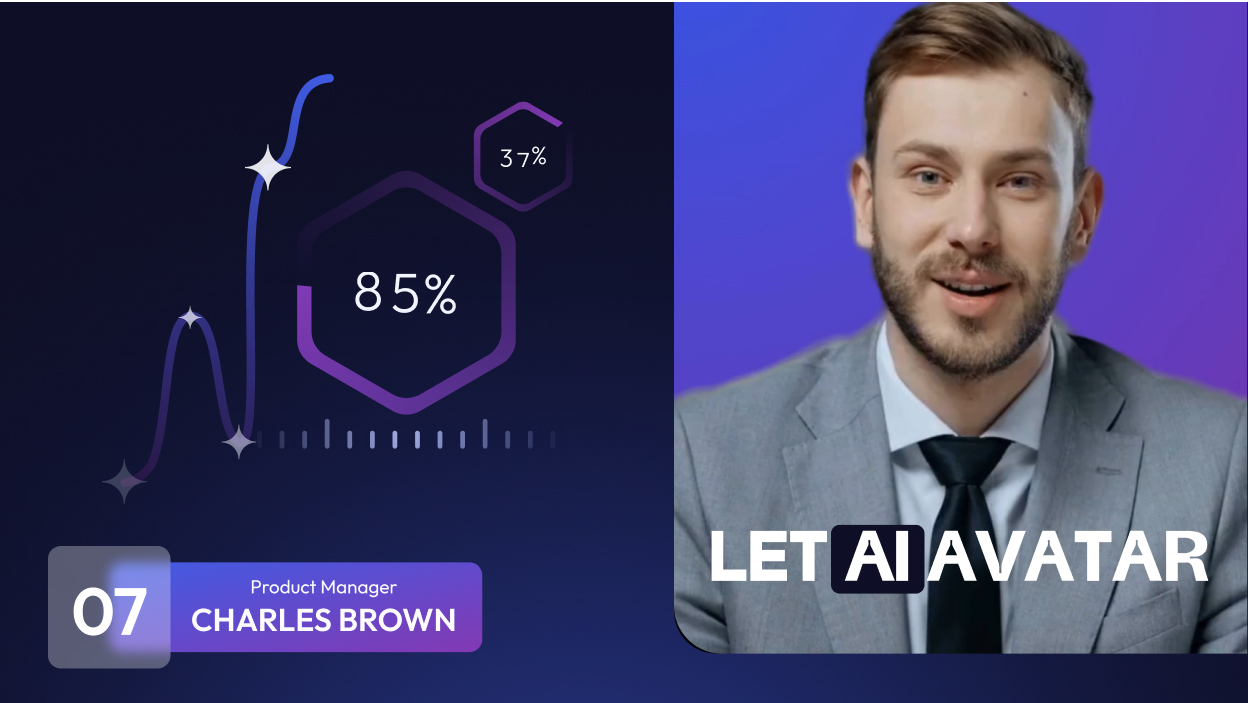
Bring concepts to life for your students. Animate diagrams, explain processes, or create fun whiteboard videos that make lessons stick.
Try NowMake scroll-stopping videos out of simple sketches. Use your artwork to produce creative UGC videos, short reels, or animated posts in minutes.
Try Now


For Sales Teams
Create pitch-perfect video demos, walkthroughs, and personalized outreach — all from one place. Sell smarter, not harder.

For E-Learning Platforms
Create immersive, multilingual learning experiences at scale. From voiceovers to subtitles — all in one tool.

For Marketers
Run campaigns faster with AI-powered video ads, social clips, and repurposed content — no jumping between tools.

For HR Teams
Onboard, train, and engage employees with AI-powered video content — no editing expertise required.

For Educators
Record, dub, subtitle, and share lessons in minutes. Teach more effectively with zero tech hassle.

Short Clips
Create bite-sized video snippets in a click
For Customer Support
Turn FAQs into explainer videos, localize them with voiceovers and subtitles, and reduce ticket load effortlessly.
Listen to what real users love about Wavel AI straight from the Wavel Community.

Senior Social Media Manager
Wave AI is truly a remarkable company that has revolutionized the way we perceive voices and language solutions. Their comprehensive approach, which encompasses a wide array of language solutions under one roof, is nothing short of impressive. With a strong focus on the positive aspects of our voices, Wave AI has brought a refreshing perspective to the industry. Their commitment to innovation and excellence is evident in every aspect of their work. It's a pleasure to partner with a company that embodies such a forward-thinking and customer-centric approach.


Marketing
As a content creator, I've always sought innovative tools to enhance the quality and impact of my work, and Wavel AI has quickly become my go-to choice for voiceovers. With a library spanning over 250 voices and supporting more than 40 languages, I've been able to cater to a global audience effortlessly. Tutorial videos and chat bot also really prompt to help.


Manager
The option to Collab is amazing because as a content creator, collaborations are quite frequent. Different team members are able to view and edit files, work on the same content concurrently, and share inputs, allowing for true real-time collaboration. You don't have to individually notify anyone. They will get to know your activity which cuts down extra time.

Growth Marketer
I was happy with its realistic AI voiceovers, their support during problems and multilingual support as well which makes it an ideal tool for content creators like us who need a high quality voice generation for work or use and its ease of use, implement and integration was a cherry on top.


Graphic Designer
The voice cloning ability is one of its outstanding ones in Wavel.ai. It can mimic the voice of a person with such precision that it can accurately reflect the tonal variations as well as the impassioned modulation of a person. The speed and the performance of the tool in processing audios are also good; very time-saving for the content producers.

Video Editor
As a video editor i need many audios for my video and also i have to perform some editing with dubbing or subtitle related part and here WavelAi solve my approx all problem in just a minutes.

IT Company Marketer
Wave AI is truly amazing! One of its most impressive features is the Voice Cloning function. This function allows you to create long-hour video content with authentic voices that do not require human interpretation. You can even include the voice of your favorite singer powered by AI.


Co-founder
Really cool tool. I run an international company and I have thought about new use cases in order to generate content for my audiences. It works really well and looking forward to the evolution of this technology.

AI enthusiast and Product Manager
You can fine-tune the audio output to meet your specific needs, whether you want to adjust the voice speed, tone, or volume. This level of control is especially useful if you're creating audio content for a particular audience. When it comes to audio output quality, Wavel AI is outstanding.
